
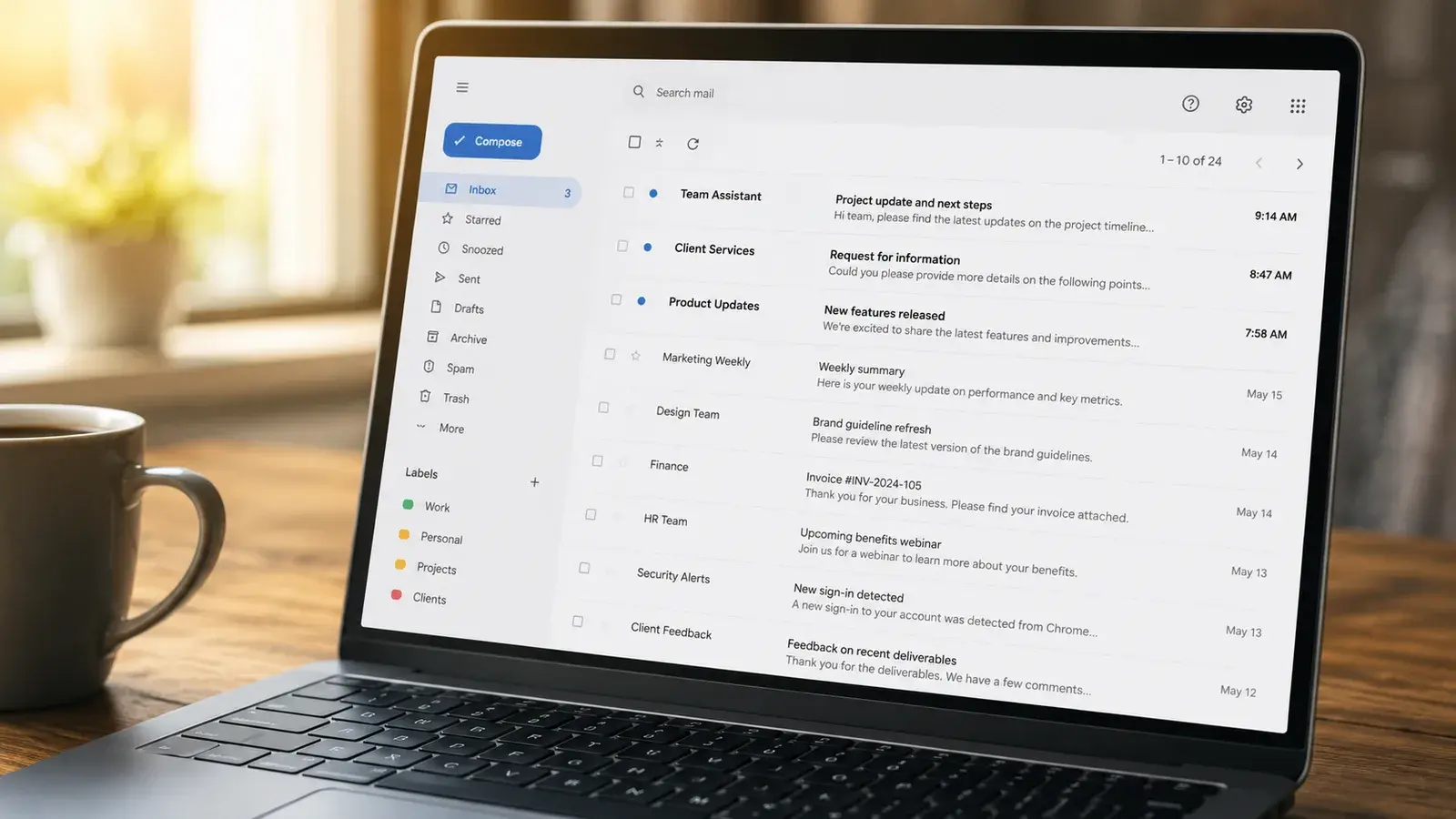
The AI tools worth using in a small business are the ones that automate internal, low risk, high frequency tasks such as drafting, summarising, scheduling and reporting. Tasks that decide something about a specific person, such as hiring or credit decisions, need a documented use case and human oversight before automation, because the EU AI Act classifies many of them as high risk.
Choosing the right AI tools for business use starts with knowing which tasks are actually worth automating, not which tools are trending. Most Irish SME owners have tried ChatGPT personally, but very few have a clear answer for which of their own weekly tasks should be automated first, even as AI use shifts from early adoption to everyday practice across Irish business. That gap matters because the EU AI Act does not treat every automated task the same way: drafting an email carries no specific obligation, while using AI to screen a job applicant falls under a high-risk category with strict requirements. If you want a clear answer for your own business rather than a general list, that is exactly what a structured task audit is for.
What Makes an AI Tool Worth Using for a Business Task?
An AI tool is worth using for a task when it is internal, high frequency, and low risk: nobody outside the business is directly affected by a mistake, and a person still checks the output before it goes anywhere important.
In Ireland, the businesses already automating tasks are concentrating on exactly this category. Administrative processes are the single most common purpose for AI use among Irish enterprises, ahead of marketing, accounting, and production.[1] That is not a coincidence: administrative tasks tend to be repetitive, rarely involve a decision about a specific person, and are easy to check before anything leaves the business.
Judge every automation candidate on two axes: how often you or your team do it, and who is affected if the AI gets it wrong the first time. High frequency and low risk pays back quickly. A task that scores high on frequency but also affects a specific person's opportunities, such as an initial CV screen, needs more groundwork first.
In summary
Judge every automation candidate on two things: how often you do it, and who is affected if the AI gets it wrong the first time. High frequency and low risk is where automation pays off fastest.
Which Business Tasks Are Safest to Automate First?
The safest tasks to automate first are ones where AI produces a draft a person reviews before anything is sent, filed, or acted on: emails, meeting notes, first-pass reports, scheduling.
These are also the tasks with the most mature tooling already available. A widely used, actively maintained collection of automation templates for the n8n platform, with over 22,000 stars on GitHub, includes more than 280 ready-made workflows for exactly this category: sorting and summarising email, extracting information from documents, and scheduling.[2] None of this requires custom development. It requires picking the task and connecting an existing, proven tool to it.
One condition is worth naming clearly. If a tool moves from producing a draft to taking action on its own, sending the email rather than drafting it, it becomes an AI agent, and the human review step that keeps this category safe disappears. That does not make agents off limits, it means they belong in a later stage of automation, after the low-risk tasks are running well.
In summary
Start with tasks where a human still checks the work before it goes anywhere. That single review step is what keeps a task in the safest category, no matter which AI tool does the drafting.
Which Tasks Need More Preparation Before You Automate Them?
Tasks that decide something about a specific person, such as screening a candidate, assessing creditworthiness, or monitoring an employee's performance, need a documented use case and human oversight before they are automated.
Under the EU AI Act, tasks like these fall into the high-risk category set out in Annex III, covering areas including employment, access to essential services such as credit, and education.[3] High-risk systems carry strict obligations, primarily falling on the provider who develops or markets the system: a risk management system (an ongoing process, not a one-time assessment), data governance, technical documentation, activity logging, transparency toward deployers, human oversight, and conformity assessment, among others. Organisations that deploy a third-party high-risk AI tool rather than building their own have a separate, lighter set of duties under Article 26.[3] Following adoption of the Digital Omnibus on AI, approved by the European Parliament on 16 June 2026 and by the Council on 29 June 2026, the obligations for stand-alone Annex III high-risk systems now apply from 2 December 2027 under binding EU law, rather than the original 2 August 2026 date. For AI embedded in regulated products listed in Annex I, the deadline is 2 August 2028. The direction is not in question: automating a decision about a person is a governance project first, an automation project second.[3]
The distinction between using AI internally and using it on customers or staff is explored in using AI yourself versus deploying it for customers, and what happens when an automated system acts on its own without this groundwork is covered in AI agent governance.
In summary
If a task decides something about a specific person's opportunities, whether they get a job, a loan, or a warning, treat it as a governance project first and an automation project second.
How Do You Run a Task Audit Before Choosing an AI Tool?
A task audit is a short, structured exercise that lists every task done manually each week, tags each one as internal-only or person-affecting, and ranks the internal ones by frequency so the highest-value task gets automated first.
1. List every task done manually each week
Write down every recurring task across the business for a single week, no matter how small: email triage, drafting proposals, chasing invoices, weekly reports, scheduling.
2. Tag each task as internal-only or person-affecting
Ask one question of each task: does this decide something about a specific, identifiable person's opportunities, such as whether they get hired, approved, or flagged? Tag it person-affecting if yes, internal-only if no.
3. Rank internal tasks by frequency and time cost
Rank the internal-only tasks by how often they happen and how much time they take. The one done daily or weekly and taking real time each time is the strongest candidate for first automation.
4. Pilot one task before scaling
Automate the top-ranked task with an existing tool or template, run it alongside the manual process for a few weeks, and check the output before removing the manual step. Only then move to the next task.
In summary
A task audit takes an afternoon and answers a question most owners have been guessing at for months: which task should we automate first.
What AI Tools Already Handle These Tasks Well?
For the safest starting tasks, an SME does not need custom-built software. Workflow platforms such as n8n and Zapier, and assistants such as Microsoft Copilot and ChatGPT, already have proven, ready-to-use templates for email, scheduling, and summarising.
Before connecting any of these tools to customer or staff data, check that the vendor has a data processing agreement covering how that data is stored and used. The EU data residency guide covers this in detail and is worth reading before any tool goes live with real business data.
In summary
Look for a tool with an existing, actively maintained template for your specific task before building anything custom. Somebody else has usually already automated the boring version of your problem.
What Happens If You Automate the Wrong Task First?
Automating the wrong task first, usually the most visible pain point rather than the lowest-risk one, means spending money and attention on a task that also carries the most regulatory and reputational exposure.
The businesses that get stuck are rarely the ones automating too slowly. They are the ones that bought a tool for the most visible problem, often a customer-facing or people-facing process, without checking whether that task carries extra obligations. A short task audit avoids this by design: it forces low-risk, high-frequency tasks to the top of the list before anything touching a specific person's opportunities gets automated at all. If you are not yet sure what AI is already in use across your business, an AI readiness assessment is a useful step before running a task audit of your own.
In summary
The cost of automating the wrong task first is rarely the AI tool itself. It is the time spent unwinding a process that needed governance built in from the start.
If you want help identifying which of your own tasks are safe to automate and which need more preparation first, an AI Use-Case Discovery Workshop is built to answer exactly that question, using your own tools and workflows rather than a generic list.