
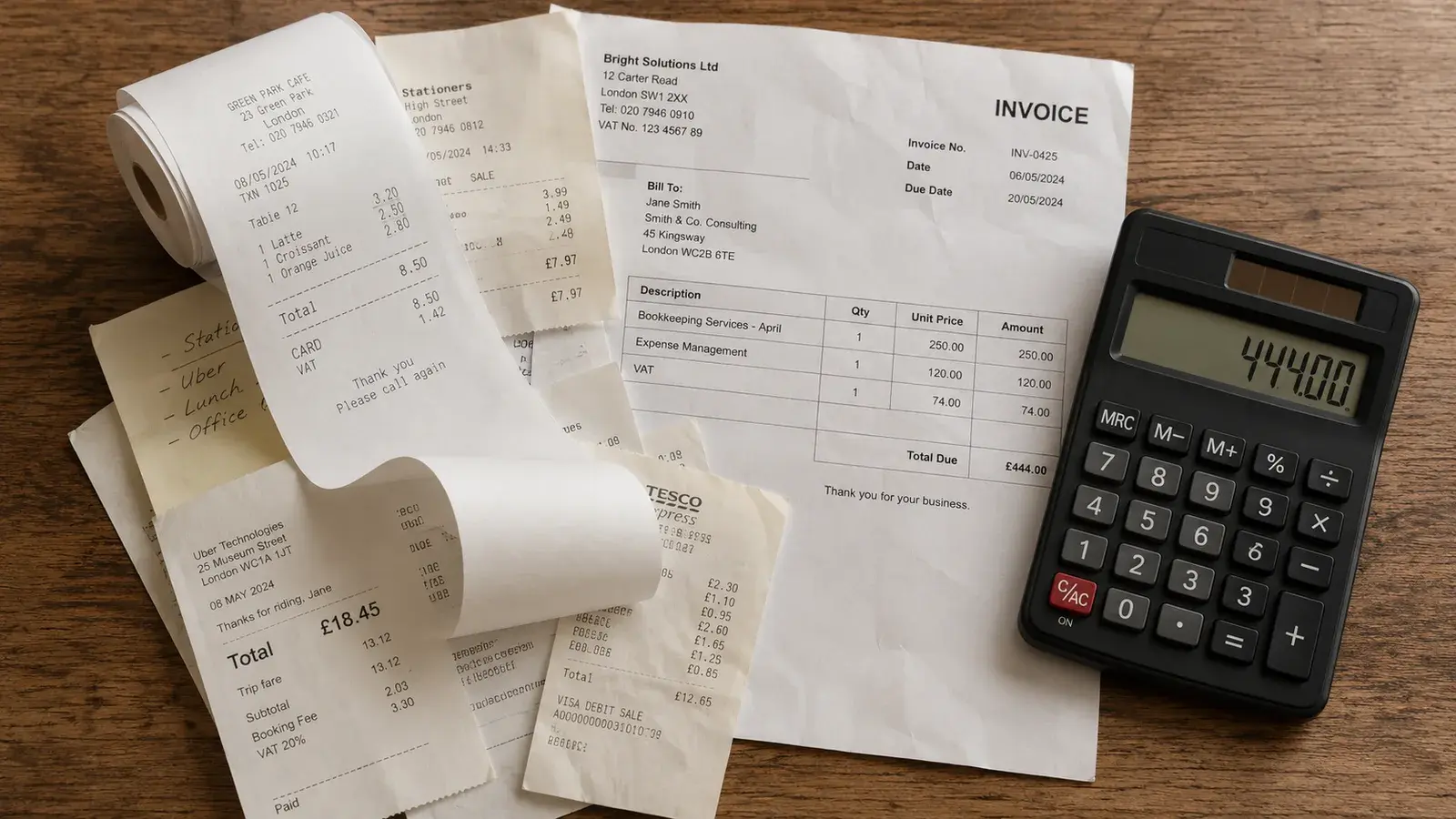
AI workflow mapping means writing down what happens at the point an AI tool enters one of your business processes, so anyone reviewing it later can see what the tool did, what it worked from, what it produced, and who checked it. You can build this yourself, by adding one row per AI-assisted step to a document your team already shares.
If you're the compliance or IT lead asked to build an audit trail for AI-assisted decisions, you'll usually hit the same problem first. That detail typically never gets written down as it happens. Under the EU AI Act, systems formally classified as high-risk will have to record events automatically across their lifetime once the relevant rules apply, covering risk identification, post-market monitoring, and monitoring of system operation. That's Article 12, and it applies only to that high-risk category.[1] AI workflow mapping brings the same discipline to the ordinary AI tools your team uses every day, so the record already exists before an auditor, a customer, or a regulator asks the question.
If you can't currently say what an AI tool did, what data it used, or who checked the output before a decision affected a real customer or employee, that's exactly the gap an AI Readiness Assessment is built to close.
What Does It Mean to Map an AI Assisted Workflow?
Mapping an AI-assisted workflow means walking through one of your business processes and marking the exact point where an AI tool enters it.
Most processes already run as a sequence of steps, whether or not anyone's ever written them down. A customer complaint comes in, gets triaged, gets a response drafted, gets approved, and gets sent. A CV arrives, gets screened, gets shortlisted, and a person decides who to interview. Somewhere in that sequence, an AI tool now does part of the work, drafting a reply or flagging an anomaly, say, or ranking a shortlist. Mapping the workflow means finding that exact point and writing down, in plain language, what you asked the tool to do, what you gave it to work with, what it handed back, and what a person did with that result afterwards.
In summary
Find the one step in your process where a person reads an AI output before deciding anything. That's the step worth mapping.
Which Workflows Should You Map First?
Start with the two or three workflows where an AI tool already shapes a decision about a customer or an employee.
An AI tool that drafts internal meeting notes carries little weight if nobody outside your company ever sees the output. An AI tool that flags a suspicious expense claim, screens a support ticket for priority, or drafts the wording of a customer refusal is different, because someone's outcome depends on what happens next. Walk through sales, support, HR, and finance in turn, and ask yourself where an AI tool currently touches a step that ends in a yes, a no, a price, or a priority level assigned to a real person. Those are the workflows worth mapping now. Everything else can wait.
In summary
Where does an AI output currently become a yes, a no, or a price for a real person?
What Four Things Does Each AI Assisted Step Need to Record?
Every AI-assisted step needs four things recorded against it, the AI step itself, the data you gave it, the output it produced, and who reviewed it afterward. Think of it the way a courier logs a parcel, recording what was inside, who signed for it, and what happened next.
The AI step is a plain description of what you asked the tool to do, drafting a reply or ranking a shortlist. The data field records what went into the tool at that point, a customer email or an expense record. The output is what the tool actually handed back, kept in full or summarised as part of the record. The human review records who looked at the output, when, and what they decided.
Recording just the AI step and its output only proves activity took place. Add who reviewed it, what they decided, and when, and you've got the oversight record a regulator, a customer, or your own reviewer actually needs to see.
In summary
Who reviewed the output, and what did they decide?
Do You Already Have a Legal Obligation to Do This?
If you run an Irish SME, GDPR already asks you for a related kind of documentation right now. Article 12 and Article 26 don't start applying until 2 December 2027 for most high-risk systems, and only for systems formally classified as high-risk.
High-risk status comes from one of two routes. Article 6(2) and Annex III cover use cases like biometrics, employment and access to essential services, and those rules apply from 2 December 2027. Article 6(1) and Annex I cover AI built into regulated products, and those rules apply from 2 August 2028. Regulation (EU) 2026/1744, the final Digital Omnibus on AI, confirmed both dates.[4] Most of what your team actually uses day to day, a general-purpose tool for drafting an email or summarising a document, falls outside both categories, so neither deadline applies to it.
Where your AI-assisted workflow touches personal data, you already have to show a regulator how you're using it, whatever happens with the AI Act timeline. That's the GDPR accountability principle, set out in Article 5(2), and it makes you responsible for demonstrating compliance with evidence a regulator can check. The Data Protection Commission's guidance on Article 30 confirms a Record of Processing Activities is one of the main ways you do that.[5] A workflow map that captures how AI touches personal data supports that evidence and can feed into your wider record, though it doesn't replace it on its own.
In summary
You might already owe GDPR a record of this, whether or not the AI Act applies to you yet.
How Do You Keep the Map Accurate as Workflows Change?
A workflow map stays accurate only if you update it whenever the tool, the data, or the process changes.
If you switch from one AI tool to another, change what data a workflow uses, or add a new step to a process, update the map at the same time. The most common failure is a map built once, during a policy exercise, and never touched again. Treat the review as part of the same rhythm as reviewing an AI Acceptable Use Policy, on a fixed cadence. What an AI Acceptable Use Policy Should Cover walks through how often to review a policy like this, on a cadence your workflow map can follow too.
In summary
A map nobody's touched since the day it was built won't survive an actual audit.
What Tools Do You Actually Need?
A shared spreadsheet or document is enough to start, and for most SMEs, it stays enough indefinitely.
One row per AI-assisted step, with columns for the date, the workflow name, the AI step, the data used, the output, the reviewer, and the decision, gives a compliance or IT lead what they need to answer a question about a past decision. A swimlane diagram works just as well if your team already thinks in process maps. Specialised AI governance or logging software exists and can help later, once you're running many AI-assisted workflows at real volume. Build the habit first, and add software when the volume genuinely calls for it. Most SMEs already run their expenses this way, tracked by hand in a spreadsheet until the volume genuinely justifies paying for software to do it instead.
In summary
Build the habit in a spreadsheet before you think about buying software to do it for you.
The AI Use-Case Discovery Workshop builds this workflow map from your business's actual AI-assisted decisions, using your own tools, your own data, and your team's own words. For the wider process this workflow map feeds into, the six-step AI risk assessment method picks up from here. If something in one of your AI-assisted workflows has already gone wrong, a calm post mortem process covers what to do next.